
Stop guessing your next upload. Ship a video your viewer actually clicks — in under 5 minutes.
Plans from $9.99/mo·Cancel anytime·No long-term contracts·Locked-in pricing for early members
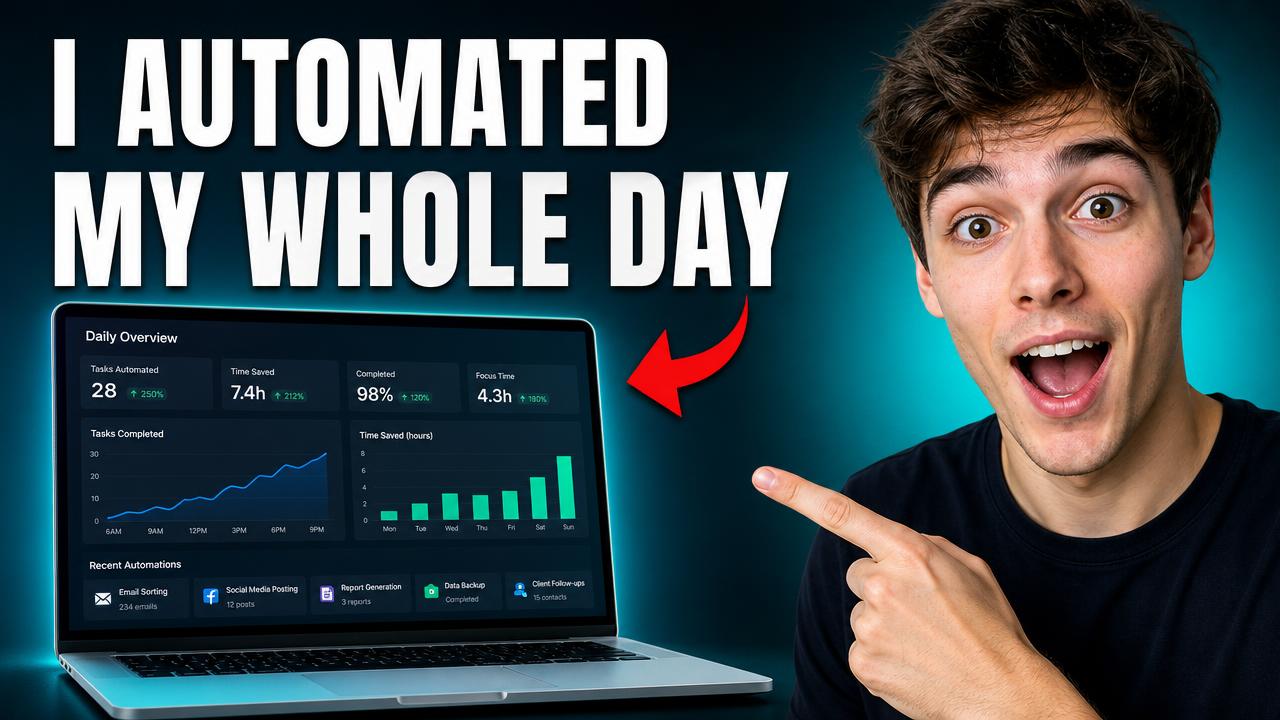
- How I Built a Simpler AI Workflow
- The Creator Workflow I Wish I Had Earlier
- Why Your Automation Setup Still Feels Complicated
You're getting in before the crowd.
CreatorIntent is being built in the open with a small group of YouTube creators. Join today and your feedback shapes what we ship next — founding members keep their price locked in for life.
- NowLaunch pricing is liveTrending ideas, viewer intent research, and a full packaging workspace — from $9.99/mo.
- NextChannel analyticsConnect YouTube, find outliers, and learn what's actually working.
- SoonAI thumbnail generationHook-aware visuals you can ship or A/B test the same day.
Your Google and YouTube data
Your channel stays yours.
Google Sign-In provides your name and email address so CreatorIntent can create, authenticate, and maintain your account.
Connecting YouTube is optional. If you connect your channel, CreatorIntent requests read-only access to your channel information and YouTube Analytics—including views, watch time, retention, engagement, and subscriber performance—solely to provide private performance insights, outlier detection, and channel-level recommendations. CreatorIntent cannot upload, edit, or delete your YouTube content.
Three decisions decide if your next video gets clicked.
Most creators burn hours on them. We help you make all three in minutes — without guessing.
“I have no idea what to upload next.”
Daily trending ideas filtered to your niche and region — pick one in 30 seconds.
“My thumbnail might kill the CTR.”
3 hook-first thumbnail directions you can ship or A/B test the same day.
“My title sounds like everyone else's.”
Title options grounded in what viewers are actually searching for right now.
A focused workflow for your next video package
From the first spark of an idea to a thumbnail direction and supporting metadata.
Pick your next upload with confidence — not a coin flip
See what YouTube viewers want right now in your niche and region, then choose the idea most likely to click — in under a minute.
- Trending ideas ranked by current viewer demand
- Filter by niche, region, and channel size
- Save favorites so you never lose a good angle
- 1I automated my creator workflow with AI
- 2The budget camera creators overlook
- 3Why viewers leave during the opening
- 4How experienced creators plan uploads
Ship a thumbnail and title that actually match
Turn your chosen viewer angle into 3 thumbnail directions, multiple title options, and the supporting copy — all grounded in the same hook.
- 3 hook-first thumbnail directions, ready to render
- Title options built around your viewer angle
- Description, tags, and script outline in one place
Shock face + big number
Before / after split
Bold text, tight crop
Know what the viewer actually wants before you press record
Decode what your viewer is really searching for — their questions, expectations, and emotional hooks — so the video lands before the algorithm decides.
- Search-intent decoded from real viewer behavior
- Angle and hook suggestions tied to that intent
- Keyword and tag packs ready to paste into YouTube
From blank page to publish-ready in 3 steps.
No setup. No learning curve. Just idea → package → publish.
Pick the idea worth your time
Browse trending topics matched to your niche, region, and channel size. Save the ones you like — your shortlist stays in your workspace.
Build your full package
Turn that idea into 3 thumbnail directions, multiple title options, a description, a tag pack, and a script outline — all grounded in viewer intent.
Publish with confidence
Review, personalize, and ship. Your finished package is saved so you can revisit what worked — or hand it to a designer without losing context.
A calmer way to package a YouTube idea
Move from idea research to a complete creative direction without losing the viewer context that connects each decision.
One connected workflow
Keep the idea, viewer angle, thumbnail direction, titles, and script context together.
Creator-controlled inputs
Choose the hook, provide your own image or channel logo, and keep control of the direction.
Built around intent
Use audience expectations as creative context—not as a promise of future performance.
Simple plans. Cancel anytime.
Pay monthly or yearly. Founding members lock in their rate for life.
Already have an account? Log in
The questions you'll ask before you sign up.
Stop guessing. Start publishing.
Pick your plan, build your first video package in under 5 minutes, and ship a video your viewer actually clicks.
Plans from $9.99/mo·Cancel anytime·No long-term contracts·Locked-in pricing for early members