A Content Calendar System That Scales
From ideation to upload day — build a repeatable workflow that keeps your channel consistent.
Consistency is not a personality trait, it is a system. Creators who publish weekly for years are rarely more disciplined than everyone else — they have simply removed the decisions that cause delay.
Separate the four jobs
Ideation, packaging, production and publishing are different kinds of work and should never share a work session. Batching them protects your energy and stops a bad writing day from blocking an upload.
- Ideation: collect problems and questions continuously; never from a blank page on shoot day.
- Packaging: title, thumbnail concept and hook, decided before scripting.
- Production: script, record, edit — the only stage that needs long uninterrupted blocks.
- Publishing: upload, metadata, end screens, community post, distribution.
The four-lane pipeline
- 1Ideas — a growing backlog with at least 20 entries so you never pick under pressure.
- 2Packaged — ideas with an approved title and thumbnail concept. Keep three here at all times.
- 3In production — a hard limit of two. More than that guarantees nothing ships.
- 4Scheduled — finished videos with a publish date. Aim for one video of buffer.
The limits matter more than the tool. A pipeline without work-in-progress caps quietly becomes a graveyard of half-finished videos.
The weekly rhythm
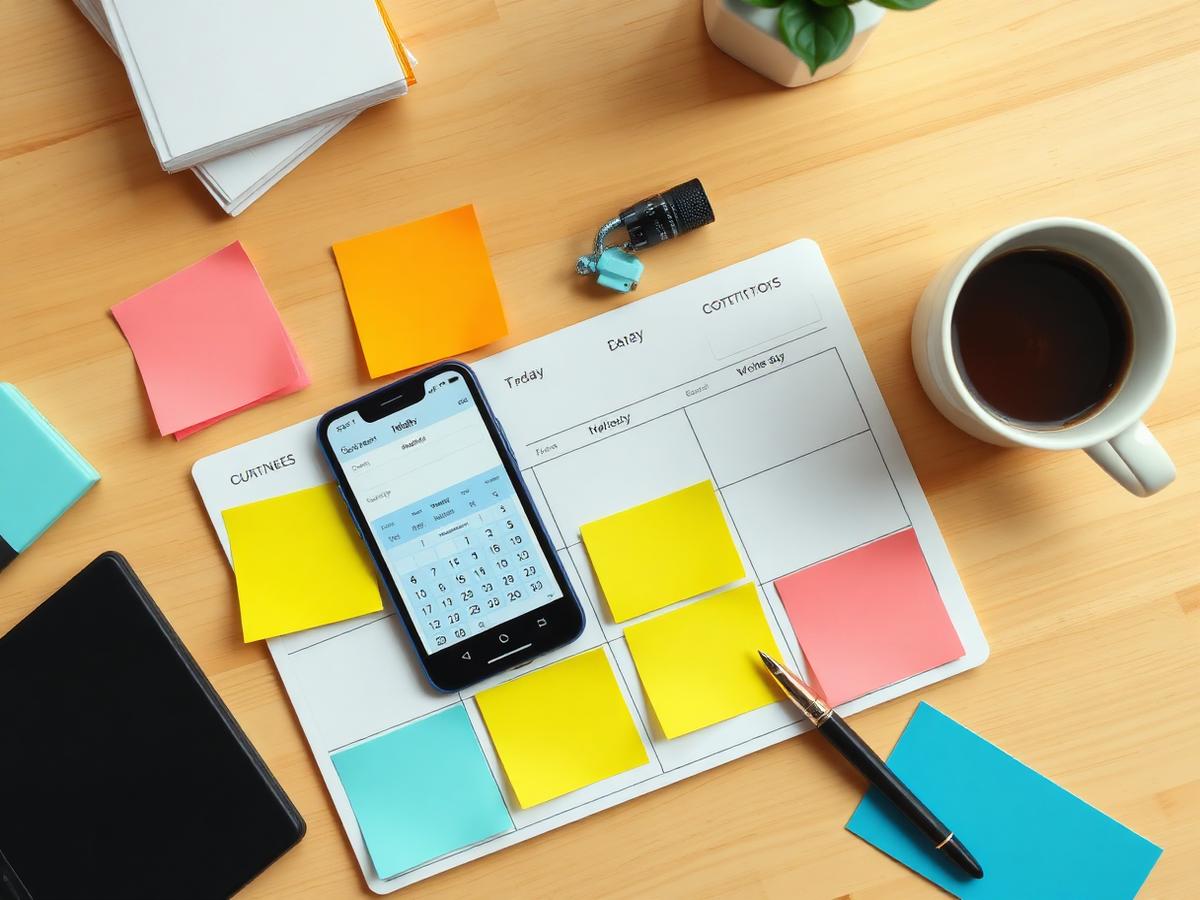
- Monday: review last week's numbers, refill the idea backlog (45 minutes).
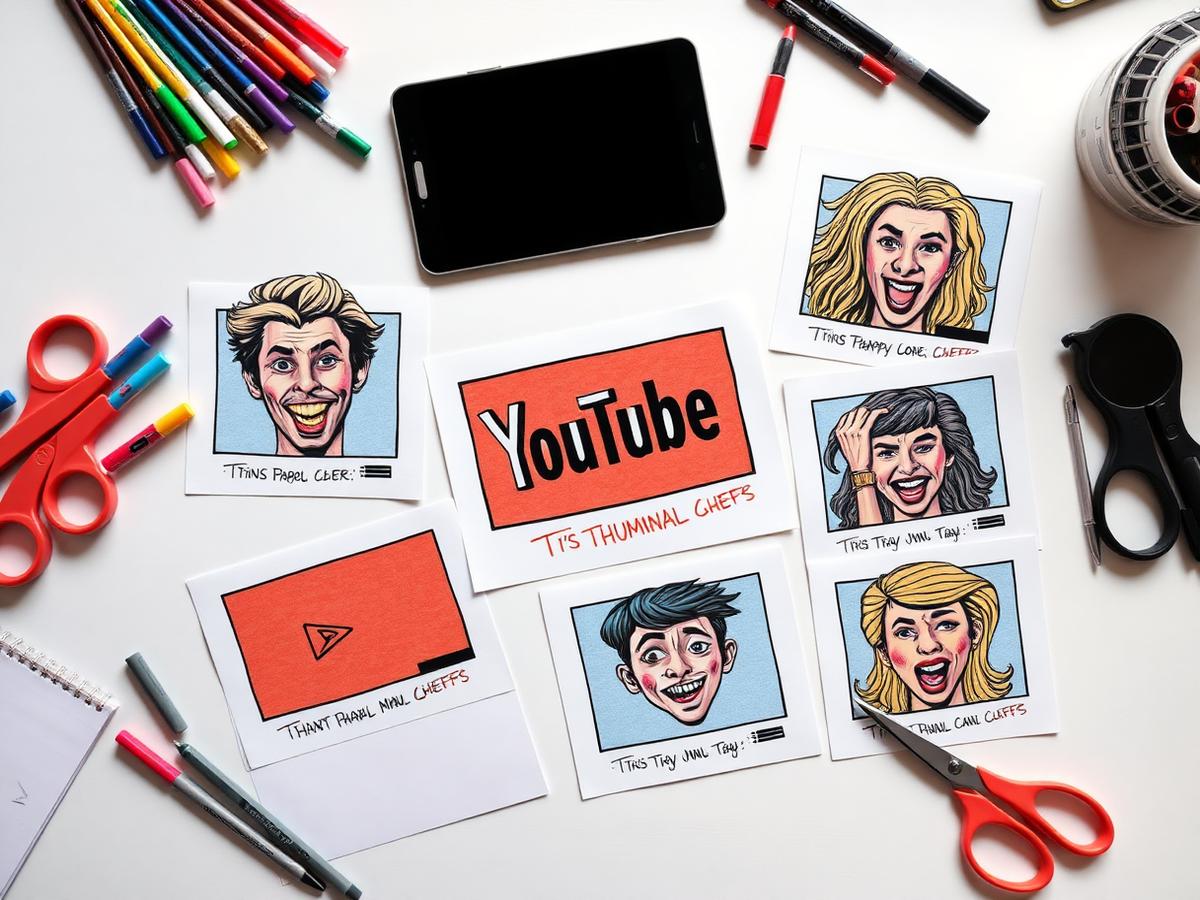
- Tuesday: packaging session — write titles and sketch thumbnails for two ideas.
- Wednesday–Thursday: script and record.
- Friday: edit and hand off, or finish and schedule.
- Publish day: distribution and comment replies for the first two hours.
Build a buffer before you build ambition
One finished video in reserve turns a sick week from a broken streak into a non-event. Get the buffer first, then increase scope or frequency — never the other way around.
Publish at the pace you can sustain on your worst week, not your best one.
Review the system monthly. If a stage keeps overflowing, the problem is the stage before it — usually packaging, because unclear packaging makes scripting slow and editing endless.
Put this into practice
Stop reading. Start shipping.
CreatorIntent turns this kind of research into a complete video package — hook, thumbnail direction, titles, description, tags, and script outline — in under 5 minutes.
Plans from $9.99/mo·Cancel anytime·Locked-in pricing for early members